Advertisement
Click to download now, finish the installation quickly, and directly unlock the all-round experience
Advertisement
Screenshots
Click to download now, finish the installation quickly, and directly unlock the all-round experience
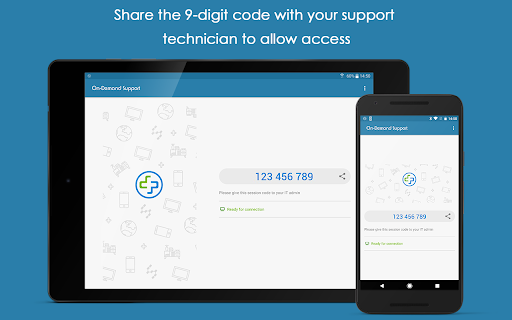
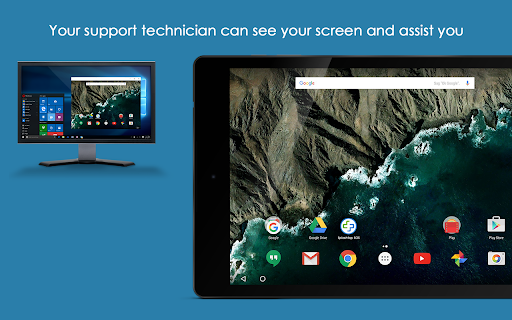
Splashtop SOS – Remote Support is for people who need an IT technician to look at a problem on their phone or tablet. It lets a technician share the device’s screen and guide the user while they work through an issue. The app is intended for on-demand support, not general-purpose remote access or everyday device management.
A technician can connect from a desktop or another mobile device. Alongside screen sharing, the app supports chat, file management and remote printing. Remote control may also be available: the app can request Accessibility Service permission when there is no suitable add-on for the device. That permission is optional, but it is relevant if hands-on control is needed.
SOS makes sense for users who already have a trusted support contact and want help without describing every screen or setting over the phone. It is less suited to anyone looking for an independent troubleshooting guide: its central purpose is to let a technician assist remotely. Keep control of who receives the connection code, and consider whether the requested permissions match the help being provided.
Splashtop is the developer. The app is listed in Tools and has a 3.76 rating from 523 reviews, with 100,000+ installs. Those figures provide some context, but the main question is whether you need a technician to see and assist with your device.