Advertisement
Click to download now, finish the installation quickly, and directly unlock the all-round experience
Advertisement
Screenshots
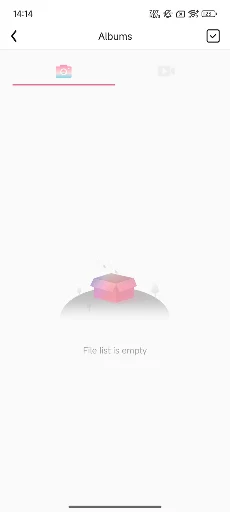
Click to download now, finish the installation quickly, and directly unlock the all-round experience
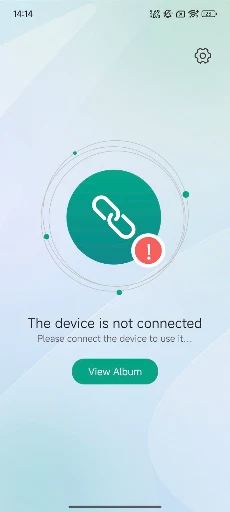
inskamOTG is a companion app for people using an OTG camera device with an Android phone. The camera connects through the phone’s charging port, and the app is intended to let you view data files from that device. Its purpose is specific: it is a way to work with an attached camera, not a general photo editor or file manager.
With the camera connected, you can also take photos and record videos through the app. Captured images and clips can be saved to the phone’s system photo album, making them available alongside other media stored there.
This is for someone who already has an OTG camera and wants to use it with a phone. The app’s usefulness depends on that equipment and connection; without an OTG camera device to attach, its central functions have little to do. It is not presented as a way to turn the phone’s built-in camera into something else.
The app is a narrow tool rather than a full camera suite. The supplied details describe viewing the connected device’s data, capturing photos and videos, and saving those captures to the phone’s album. They do not establish broader editing, sharing, or camera-control features, so users looking for those should not assume they are included.
inskamOTG is published by app-Tools in the Tools category. It has more than 100,000 installs and a rating of 3.2 from 595 ratings. Those figures show that it has reached a substantial group of users, while the rating is moderate rather than strongly positive. They do not explain why individual users rated it as they did.
If your task is to connect an OTG camera, view its data, and save new captures on your phone, the app’s stated role is easy to identify. If you do not use that kind of camera, this is probably not a useful addition to your phone.