Advertisement
Click to download now, finish the installation quickly, and directly unlock the all-round experience
Advertisement
Screenshots
Click to download now, finish the installation quickly, and directly unlock the all-round experience
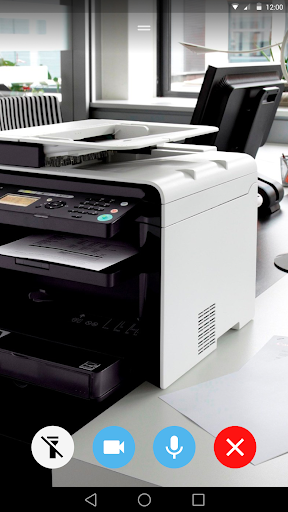
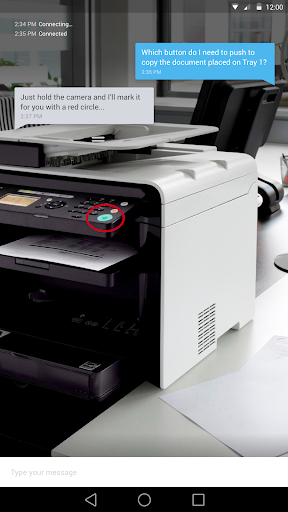
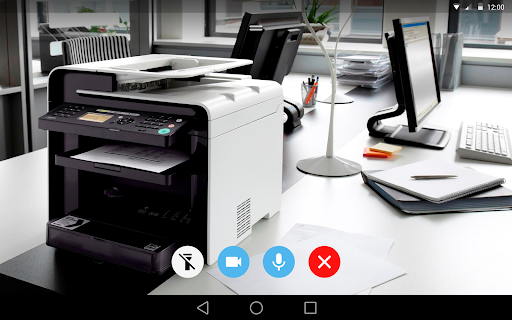
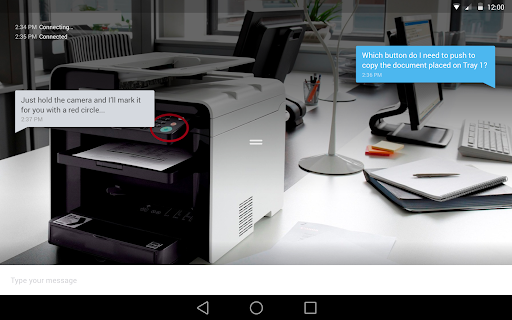
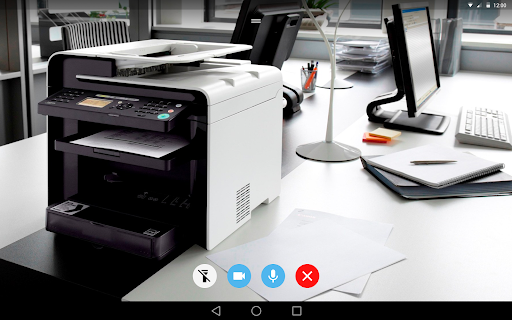
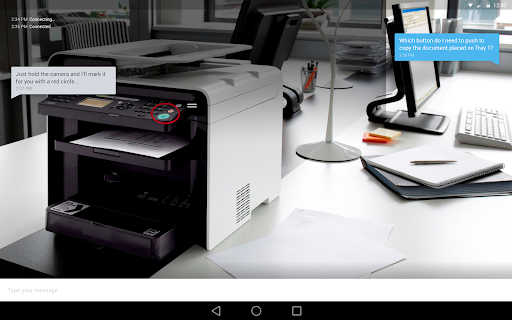
LogMeIn Rescue Lens lets a support agent view a live camera feed from your phone during a support session. It is for people who need help with something an agent can understand more easily by seeing it, rather than relying only on a verbal description. The app also supports audio during the session.
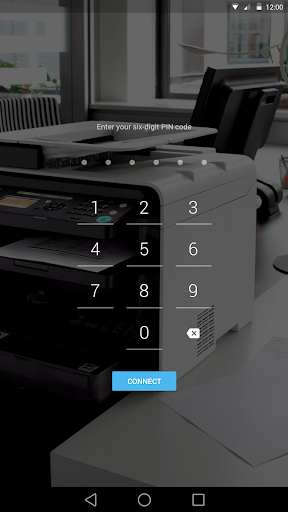
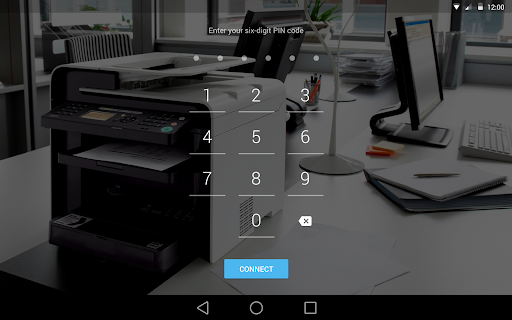
This is not a general-purpose video calling or troubleshooting app. It works when you are already receiving help from an agent using LogMeIn Rescue Lens. The agent provides a six-digit PIN to join the session; you then choose what to point the camera at. Use it only when you have arranged support and trust the person asking you to connect.
The app’s purpose is narrow: give a support agent a visual view of an issue so they can guide you through resolving it. That can be useful when explaining a physical device or setup is difficult, but it also means you should pay attention to what the camera can see. Share only what is relevant to the support request.
Rescue Lens makes sense if a company or service provider has asked you to join a session with one of its support agents. If you are looking for an app to contact support, diagnose problems on your own, or make ordinary video calls, this is not meant for those jobs. GoTo Group, Inc. publishes it in the Business category. It has a 3.6-star rating from 522 reviews and more than 500,000 installs.