Advertisement
Click to download now, finish the installation quickly, and directly unlock the all-round experience
Advertisement
Screenshots

Click to download now, finish the installation quickly, and directly unlock the all-round experience
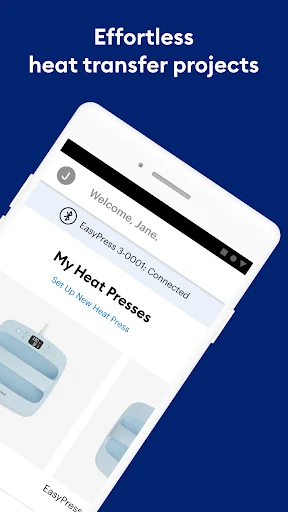
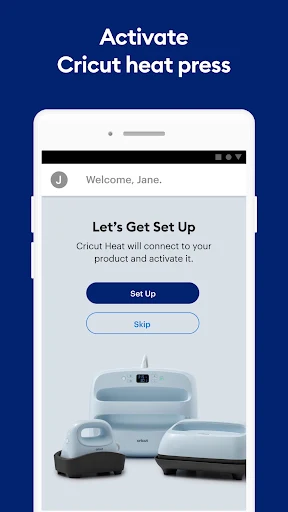
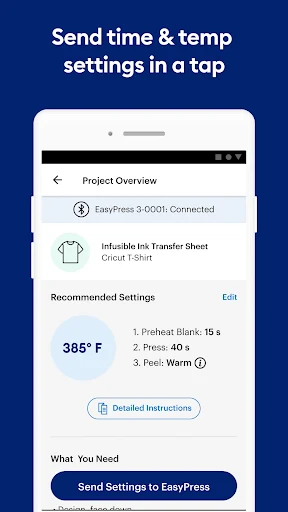
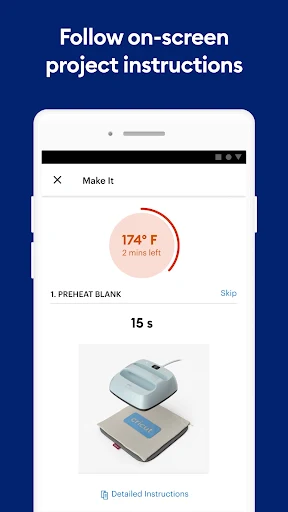
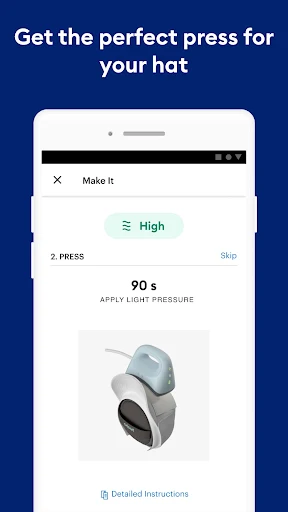
Cricut Heat helps owners of the Cricut EasyPress 3 and Cricut Hat Press choose settings and follow a heat-transfer project. You select the material and the item you are decorating; the app then provides time and temperature guidance and instructions for the steps around pressing. It is for people using those specific smart presses, not a general guide for every heat press.
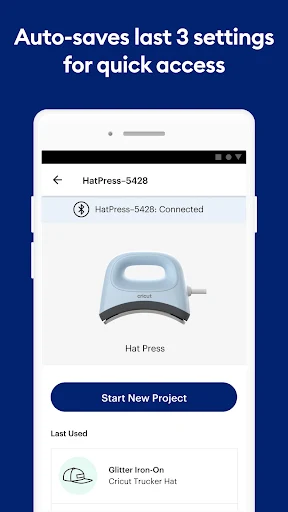
The app’s main job is to make the settings and sequence easier to follow. Instructions can cover preparation, pressing and peeling, with a supply list to help you gather what the project needs. You can also enter custom settings, and the app saves your last three settings for quick reference. The aim is practical project guidance, rather than a broad design or crafting workspace.
Compatibility is the key limit. Cricut Heat connects to the EasyPress 3 or Hat Press, including sending selected settings to the press. If you have an earlier EasyPress model or a different brand of heat press, this app is not the matching companion; Cricut points owners of previous models to its online Heat Guide. Setup and activation are also handled in the app, using a Cricut ID.
The app also includes press guides, help links and videos, plus notifications for firmware updates. Those extras support its central purpose: preparing and carrying out a heat-transfer project with compatible Cricut equipment. It has a 2.87 rating from 294 reviews and more than 100,000 installs. That gives prospective users some adoption context, while the rating suggests experiences are not uniformly positive. If you already own one of the supported presses, it is the relevant tool to consider; without one, much of its purpose does not apply.